
Business Model Canvas Template for Word
The nine blocks as an A4 landscape table on one page. Type under each question and hand it in as a document. It also opens in Google Docs and Apple Pages.
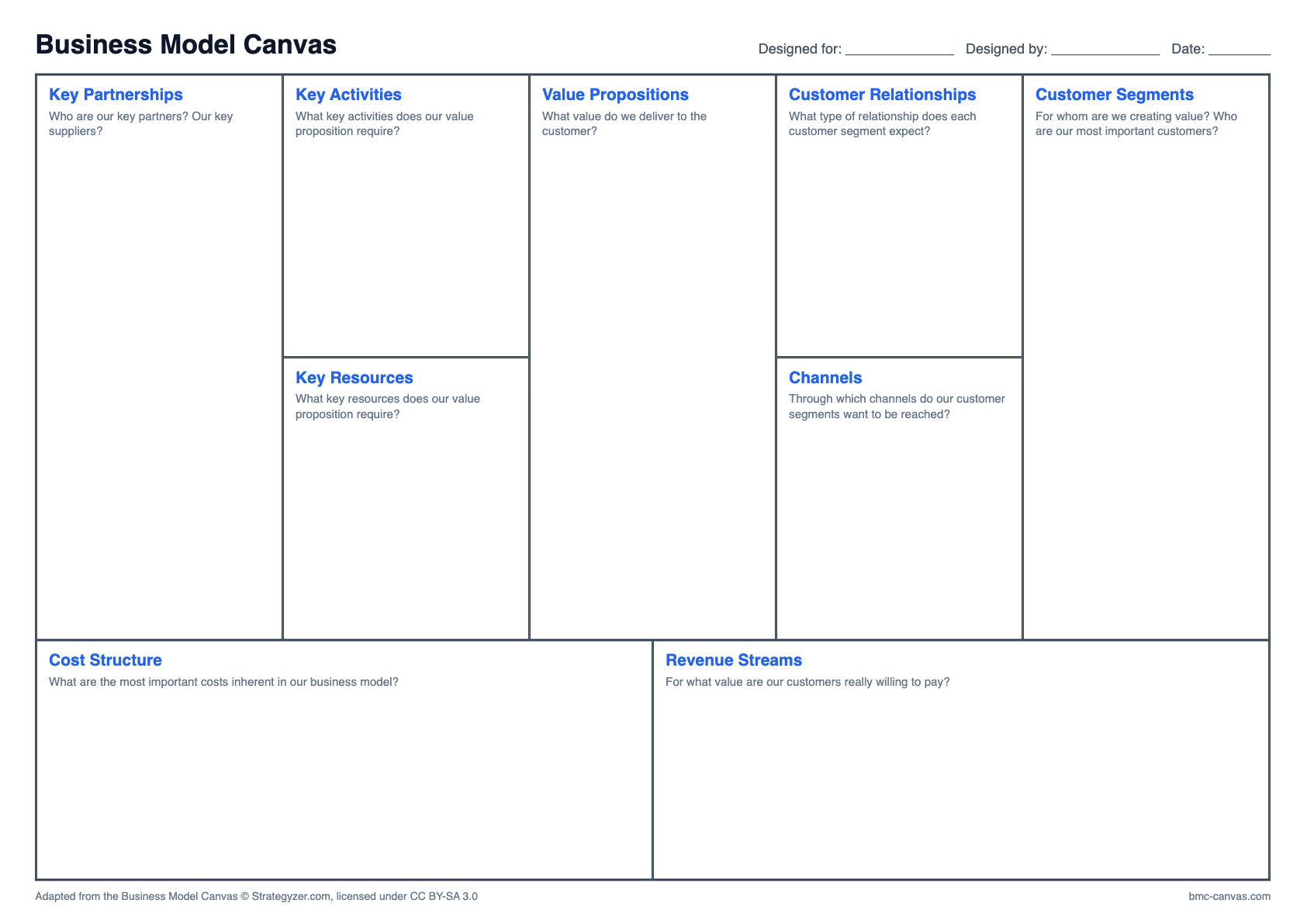
How to fill it in
- Download the file and open it in Word, Google Docs or Pages.
- Click into a block and type on the empty line under the question.
- Use short bullet points so the table stays on one page.
- Save as PDF when you need to hand it in.
Keeping it on one page
The rows have a fixed height, so long text gets cut off instead of pushing the table onto a second page. If a block overflows, shorten it: a canvas note should be a few words, not a sentence.
Questions about this format
Does it work in Google Docs?
Yes. Upload the DOCX to Google Drive and open it with Google Docs. The table stays editable.
Can I add my university logo?
Yes. Click in the title line at the top or insert an image in the page header.
Other formats
Adapted from the Business Model Canvas © Strategyzer.com, licensed under CC BY-SA 3.0