
Business Model Canvas Template for PowerPoint
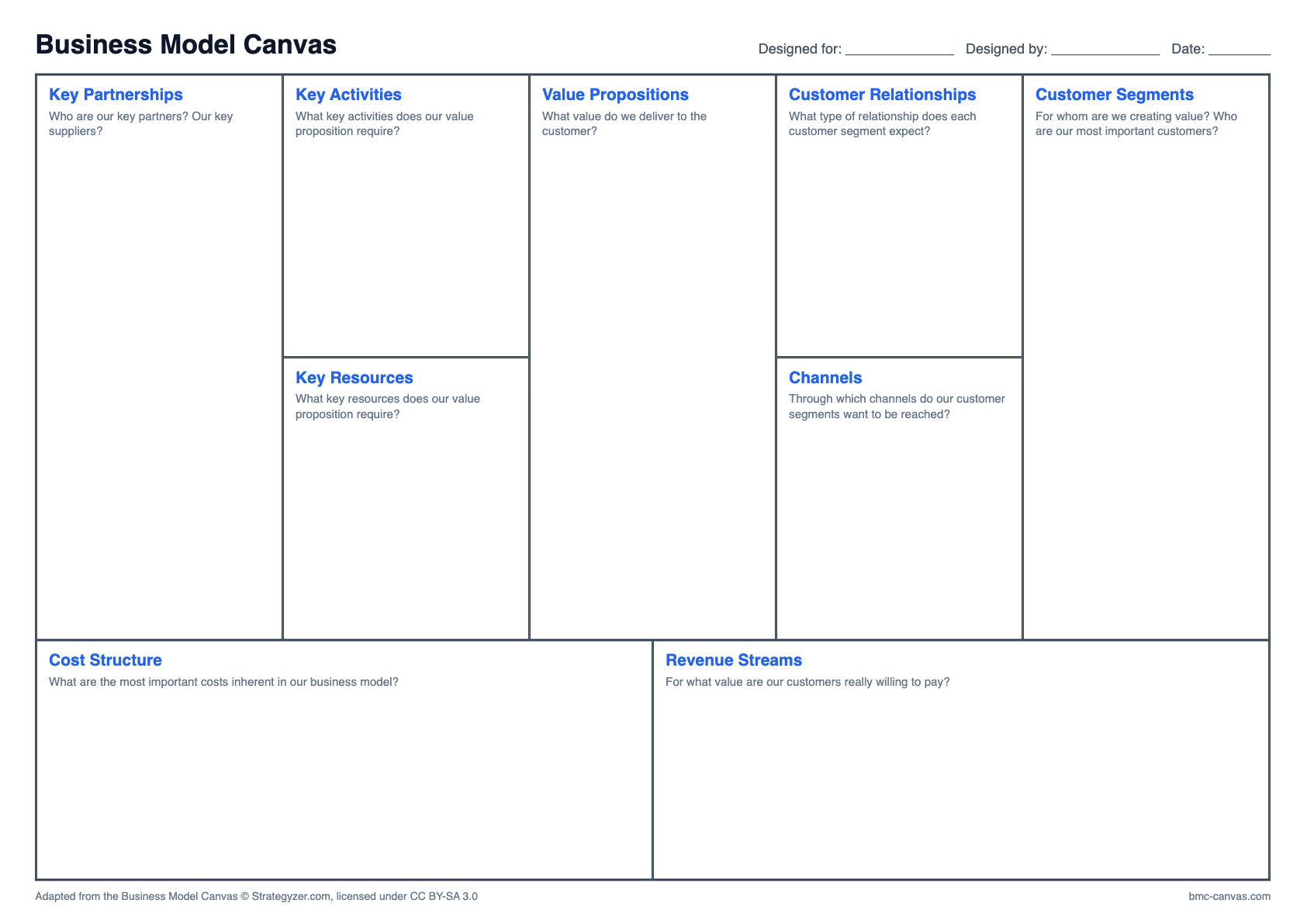
One editable 16:9 slide. Each of the nine blocks is a shape you click and type in, so it drops straight into a class presentation or a pitch deck.
How to use it in your deck
- Download the file and open it in PowerPoint, Keynote or Google Slides.
- Click a block and type below the question, or delete the question once you have answered it.
- Keep to two to four short notes per block so it stays readable on a projector.
- Copy the slide into your presentation, keeping the source formatting.
For a pitch deck
A full canvas on one slide is hard to read from across a table. Keep it as an appendix and split the content into three slides. Our guide shows how.
Questions about this format
Does it work in Google Slides?
Yes. Upload the PPTX to Google Drive and open it with Google Slides, or use File, then Import slides, in an existing deck.
Can I change the colours?
Yes. Every block is a normal PowerPoint shape, so fill, outline and fonts can all be changed.
Other formats
Adapted from the Business Model Canvas © Strategyzer.com, licensed under CC BY-SA 3.0