
Business Model Canvas Template for Google Slides
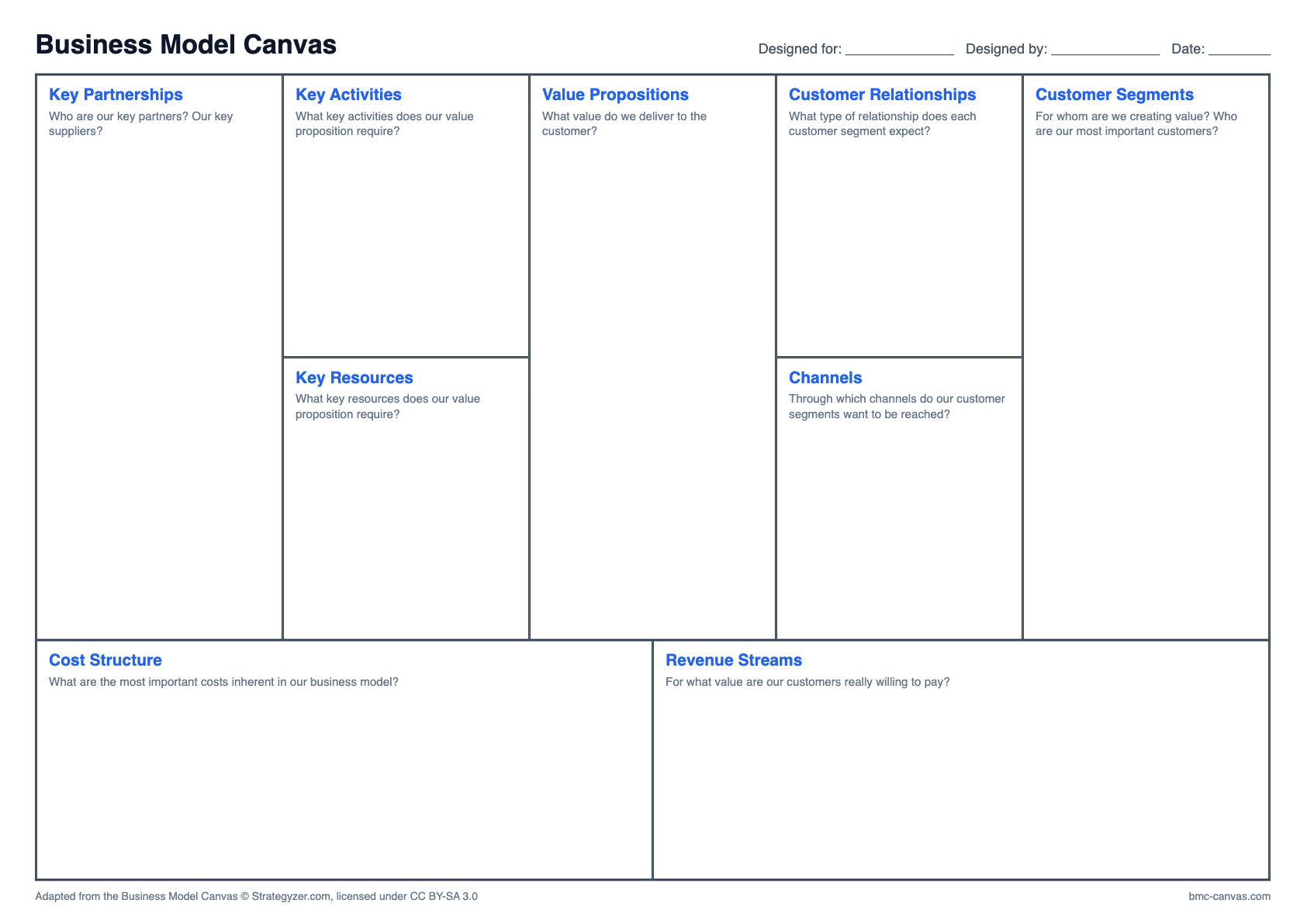
Download the editable slide, open it in Google Slides, and share it with your team or teacher. Everything stays editable.
How to open it in Google Slides
- Download the file (it is a standard PPTX).
- In Google Drive, choose New, then File upload, and select it.
- Right-click the file and choose Open with, then Google Slides.
- To add it to an existing deck, use File, then Import slides.
- Press Share to work on it with your group.
Working as a group
Give each person one or two blocks, and leave comments rather than changing each other’s notes. Finish by reading the canvas together from right to left.
Questions about this format
Does the layout change in Google Slides?
Fonts may be substituted, but the blocks stay in place and every one remains editable.
Is there a Google Docs version?
Yes. Upload the Word template to Drive and open it with Google Docs.
Other formats
Adapted from the Business Model Canvas © Strategyzer.com, licensed under CC BY-SA 3.0